












 |
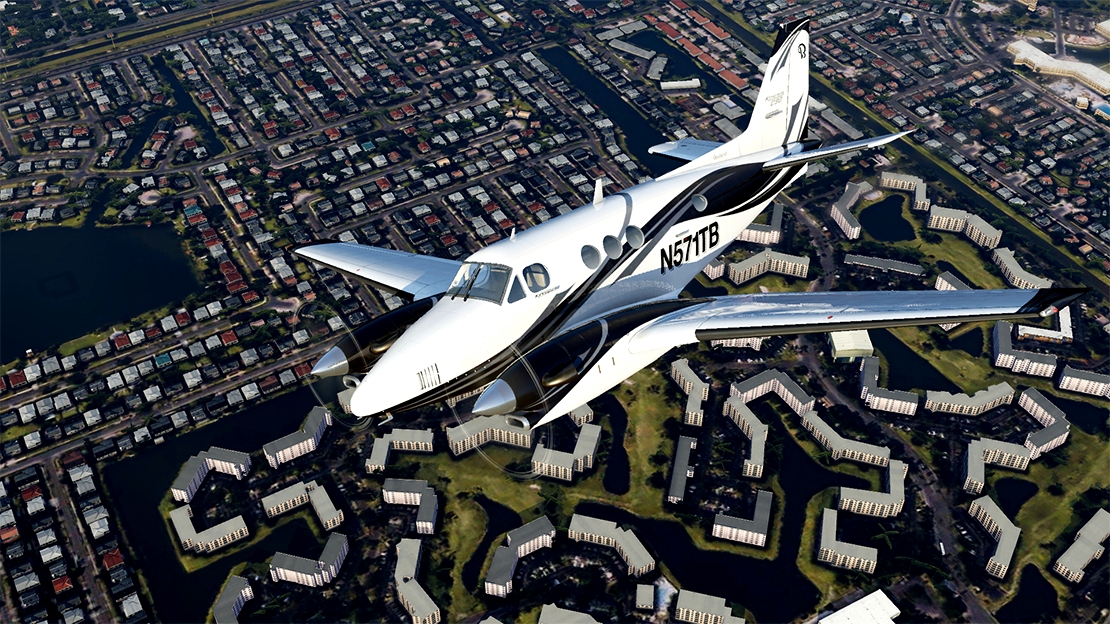
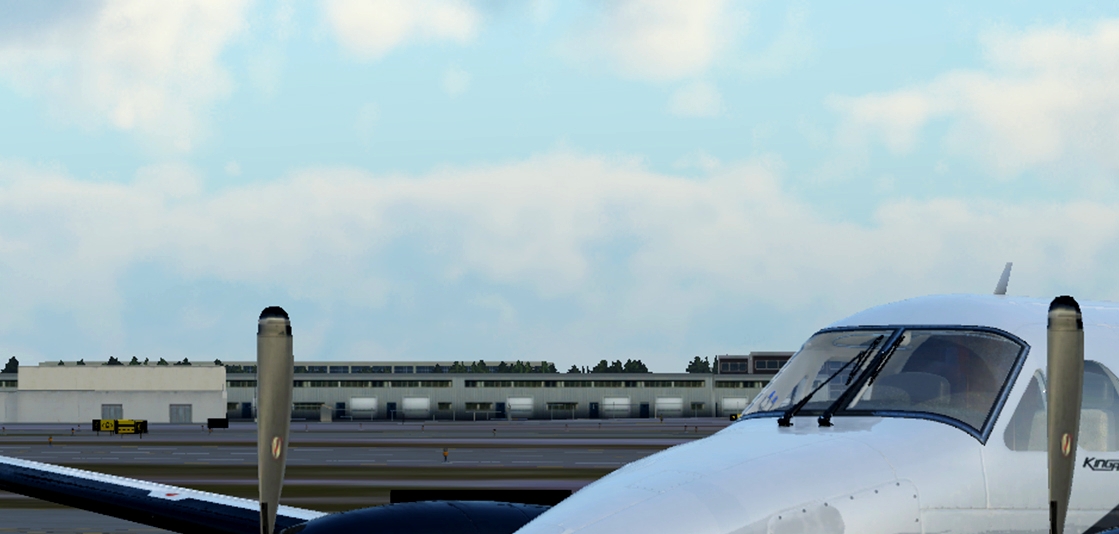
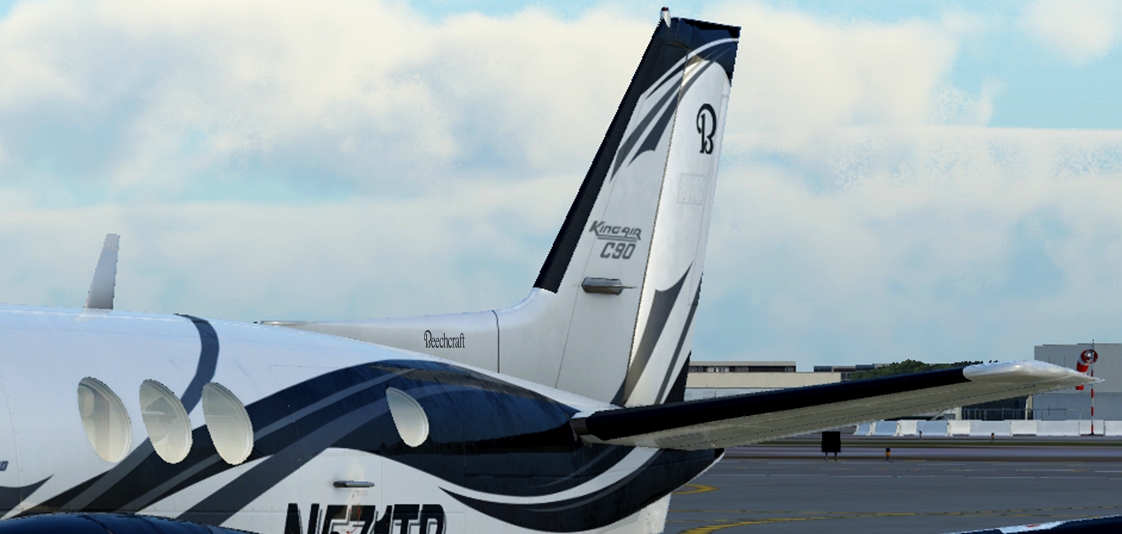
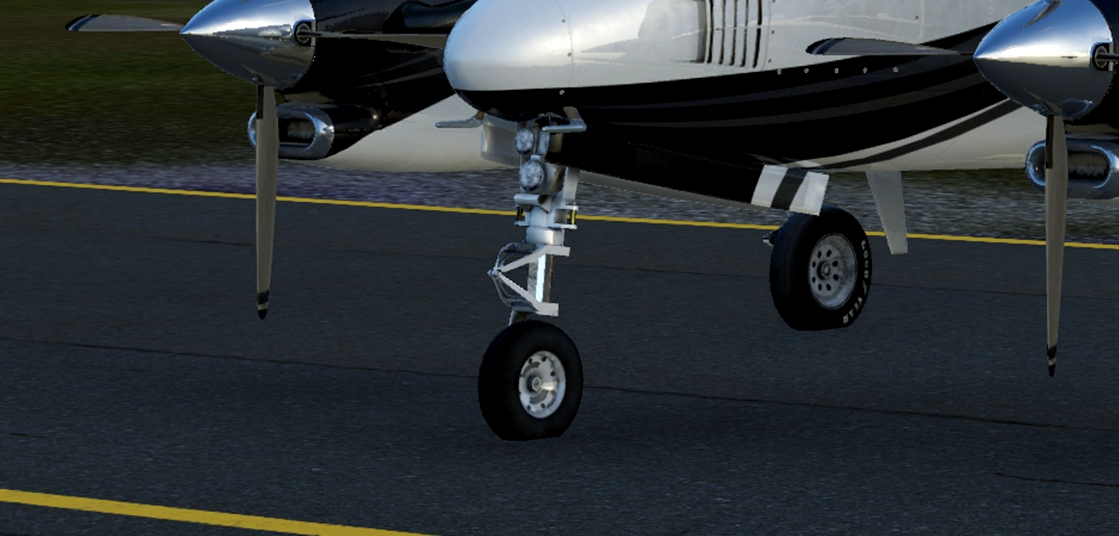
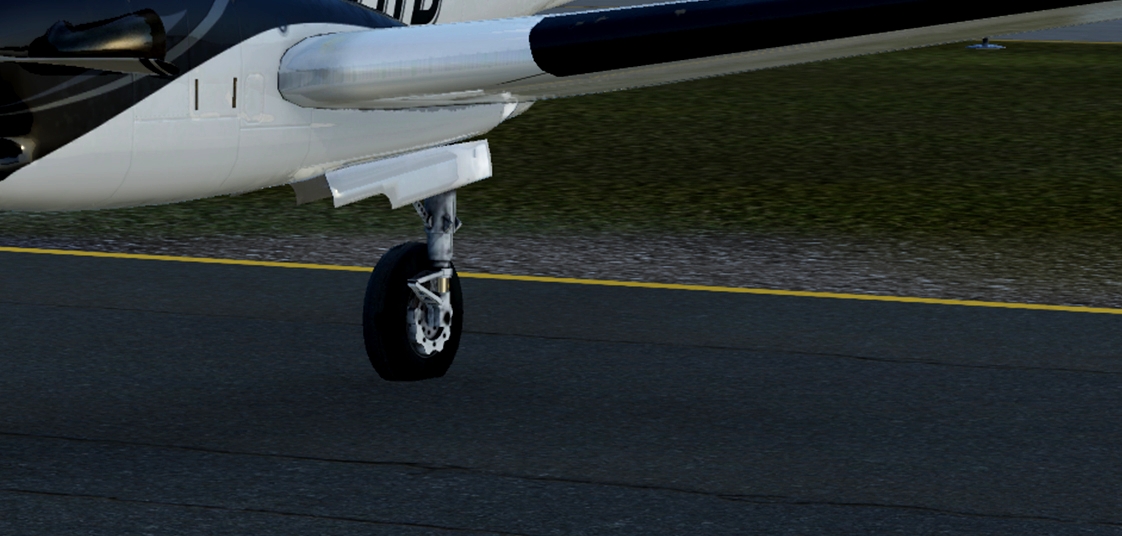
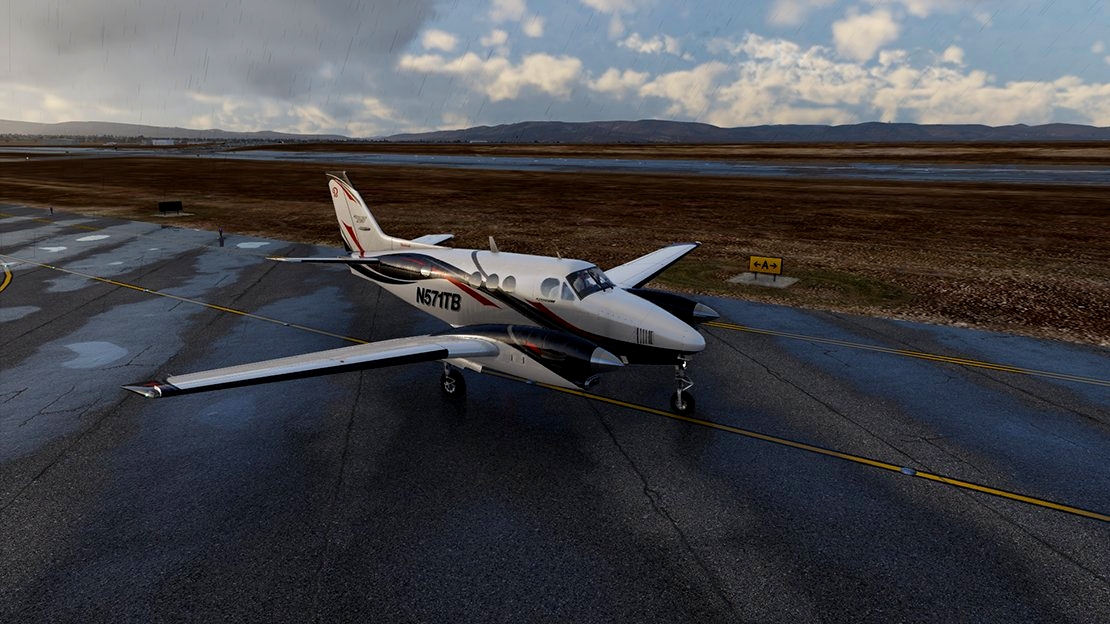
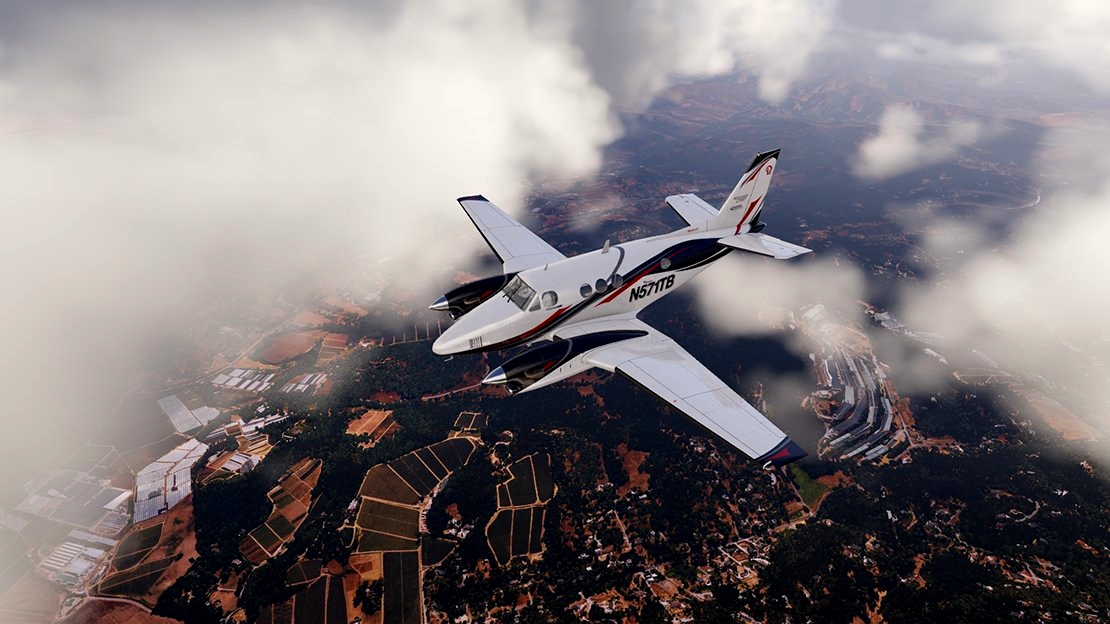
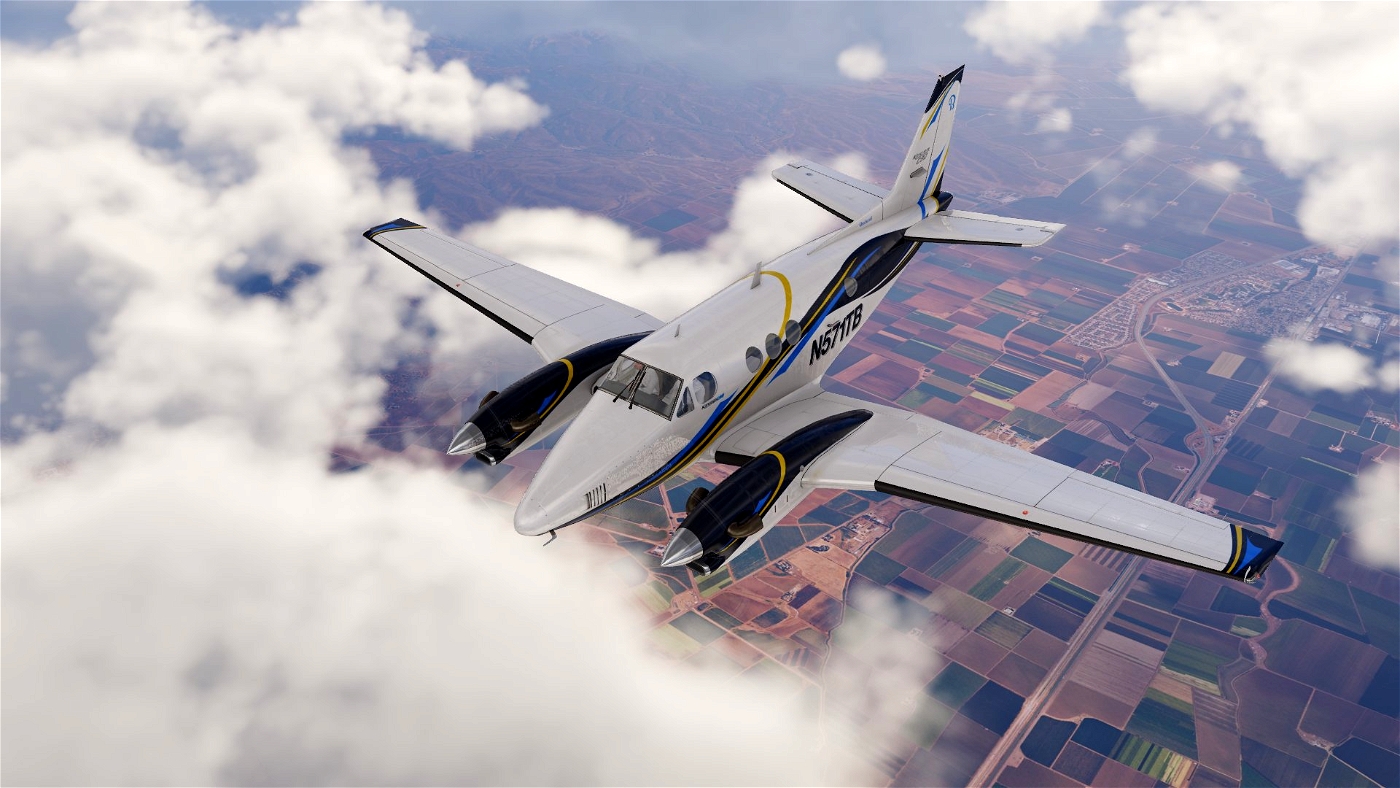
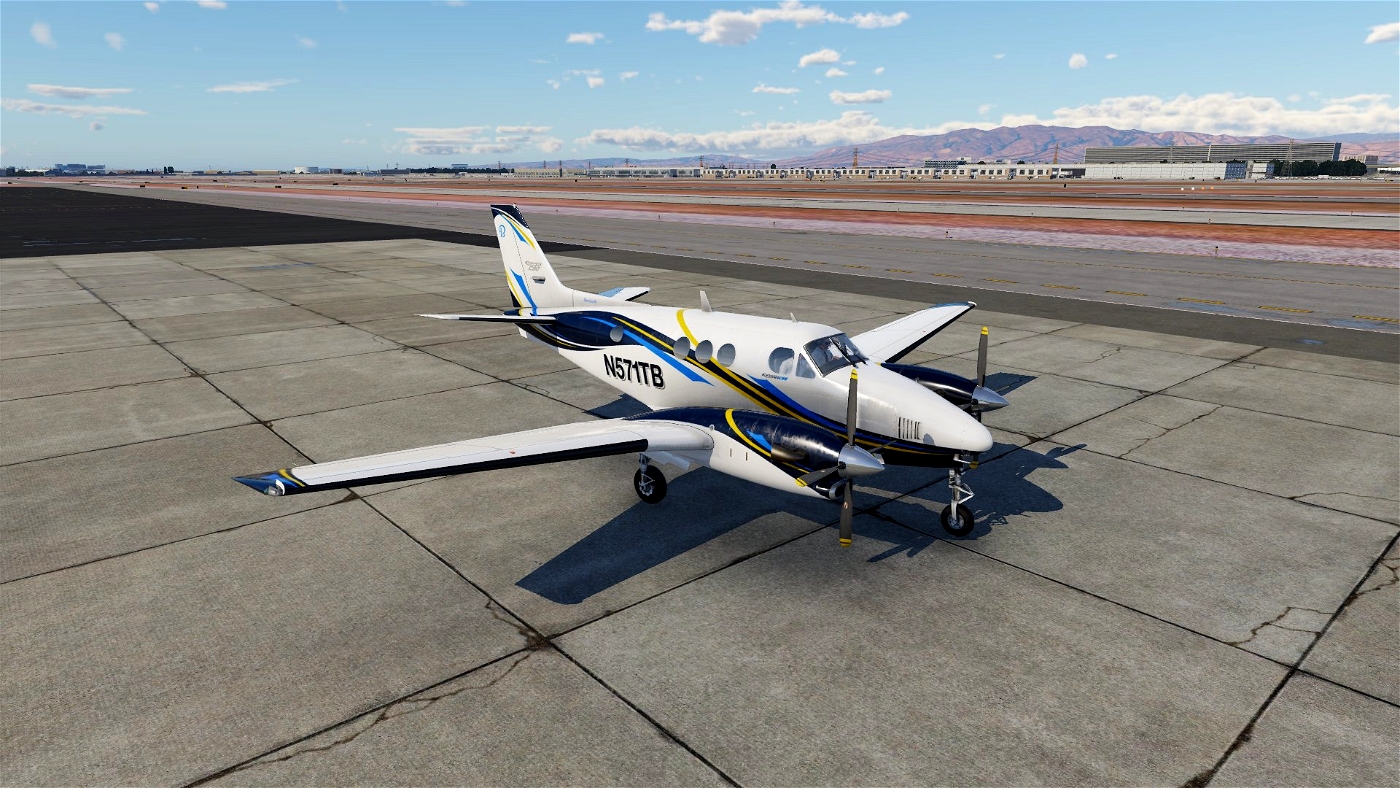
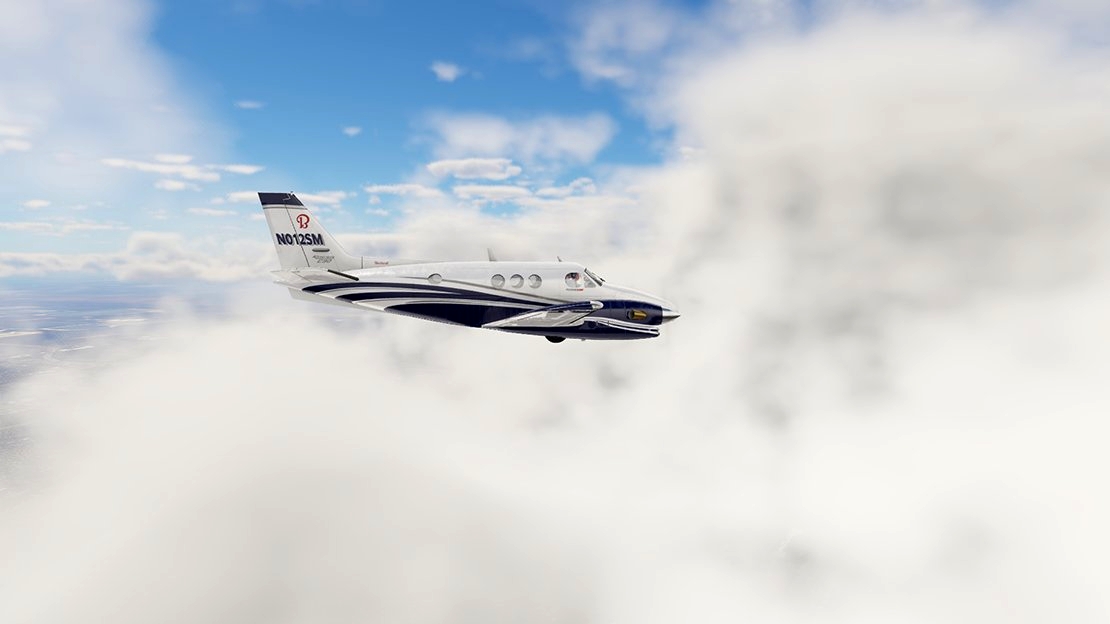
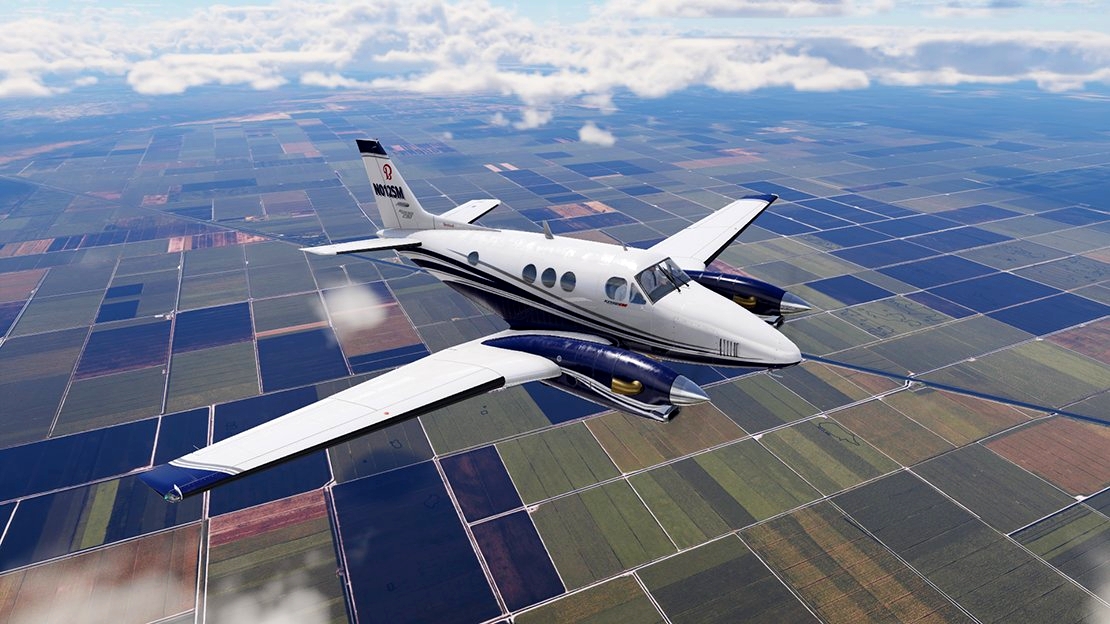
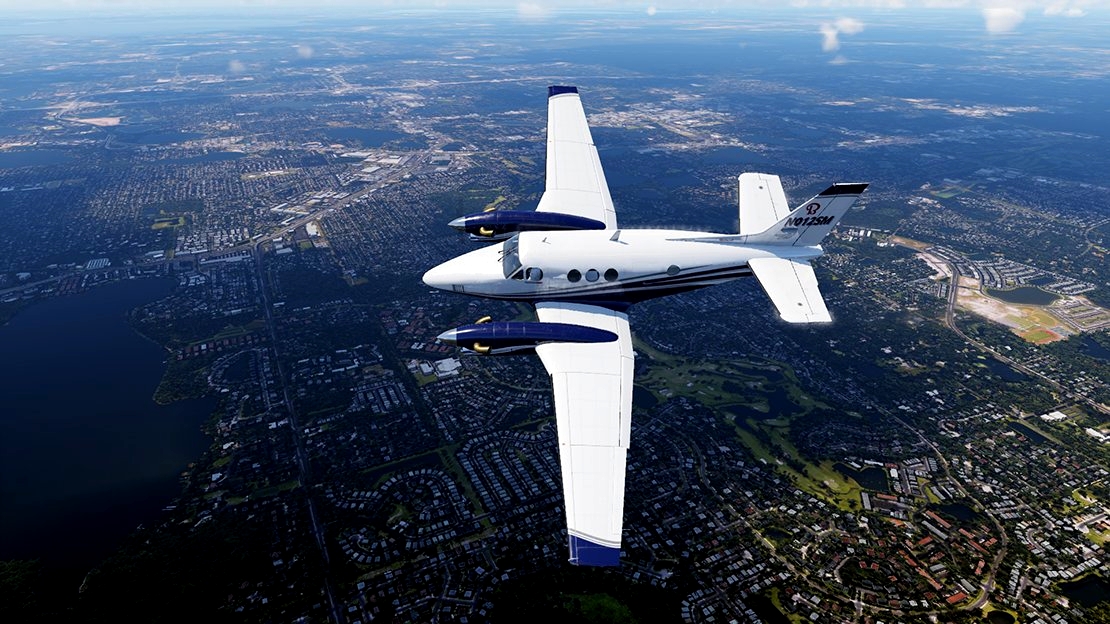
| Time to update and share the very first livery I made for Xplane. Now that I am taking a short break from creating my first plane in Plane Maker.
Factory paint of the King Air 350 with an additional colour variation.
Updated January 4, 2024 - Paint update, Normals
N517TB_BB folder * Main File
- N571TB folder - Red, Silver and Blue
- N571TB-BB folder - Bahama Beech
Updated January 4, 2024 - Paint update
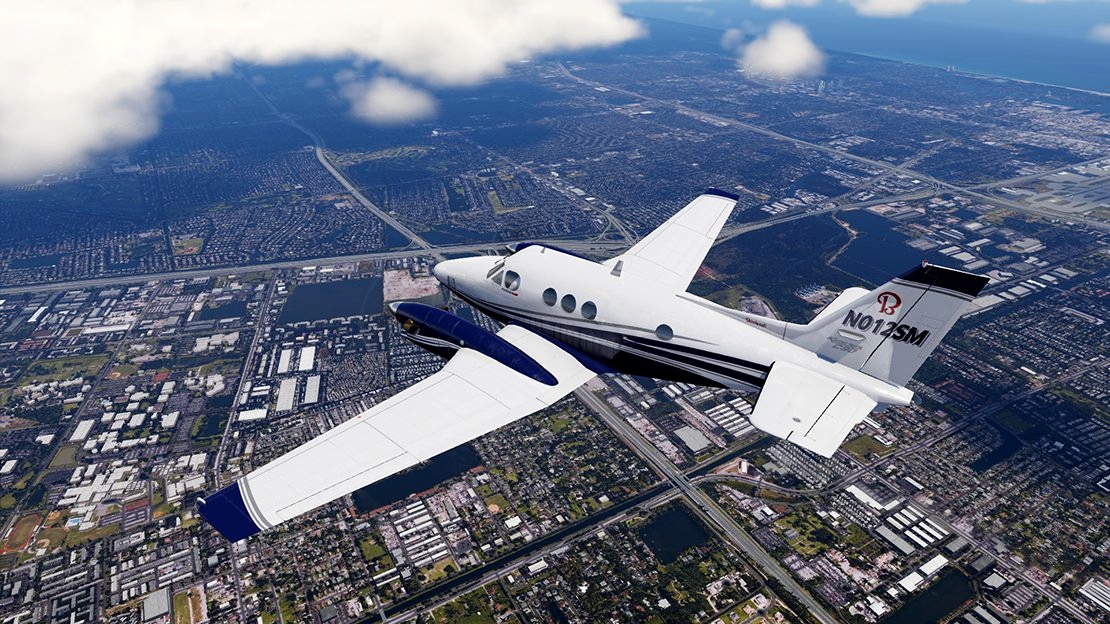
N012SM folder
- N012SM folder - King Air 350i factory livery
Updated January 16, 2024 - Black livery
N571TB-B folder
- N571TB-B folder - Black, Grey and Silver
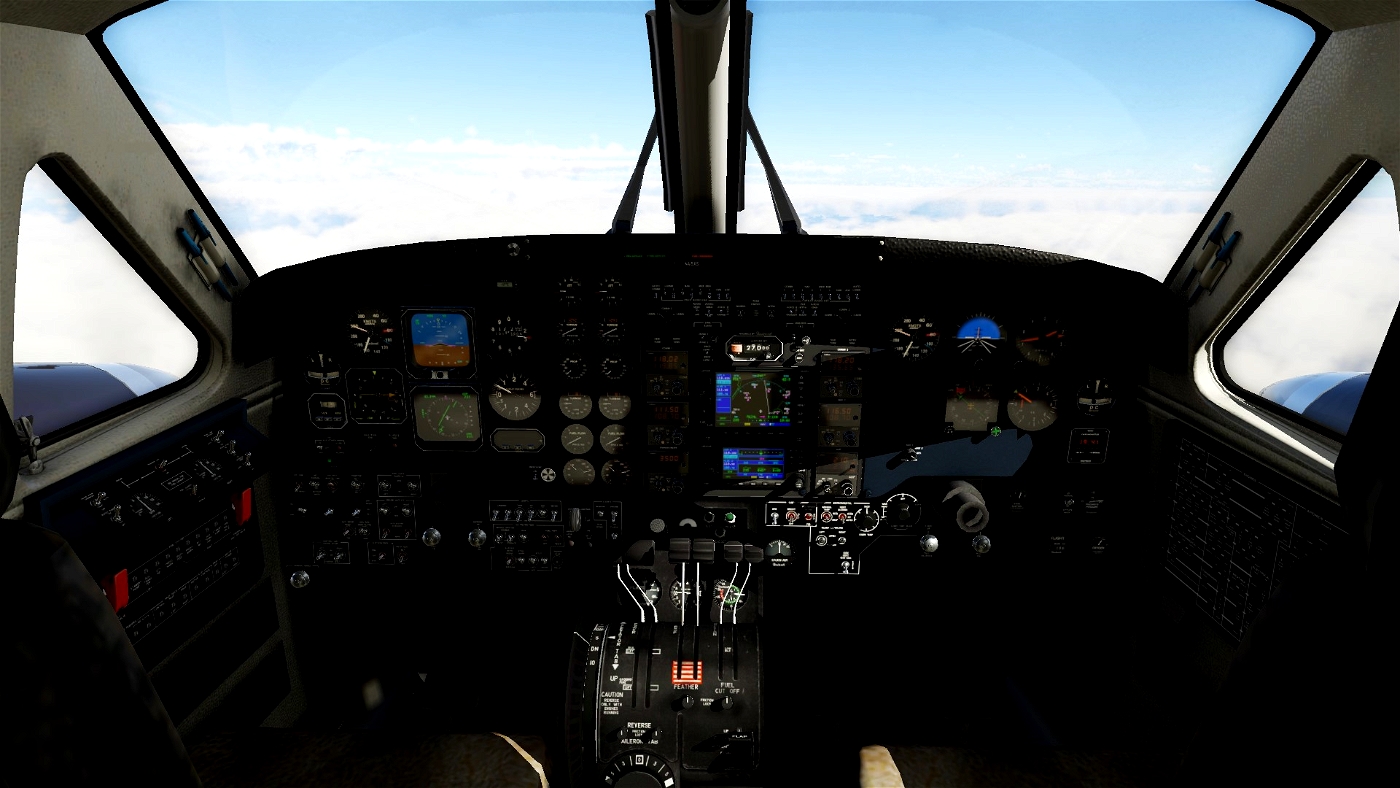
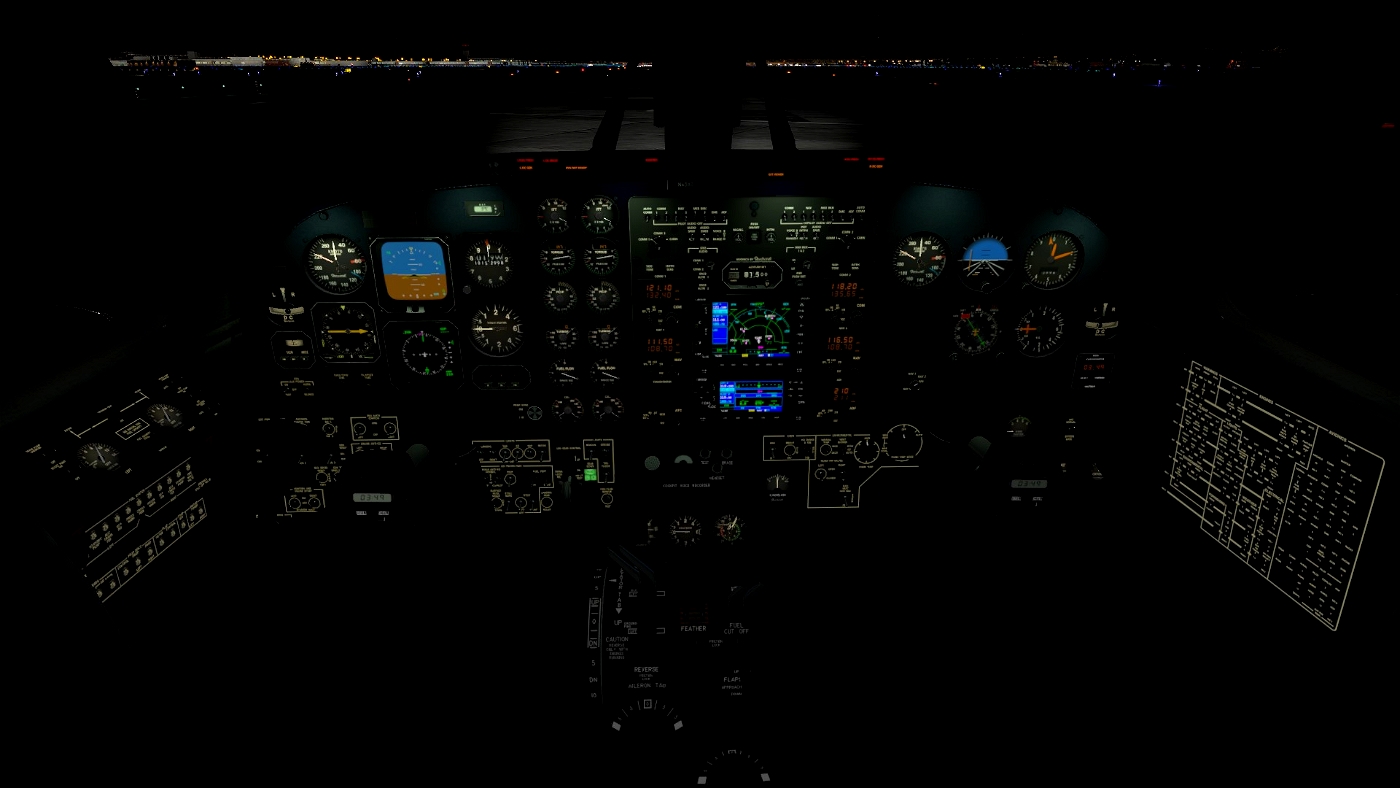
Updated January 18, 2024 - Cockpit update
Cockpit_objects folder
- *C90B_cockpit folder - Cockpit panel color change
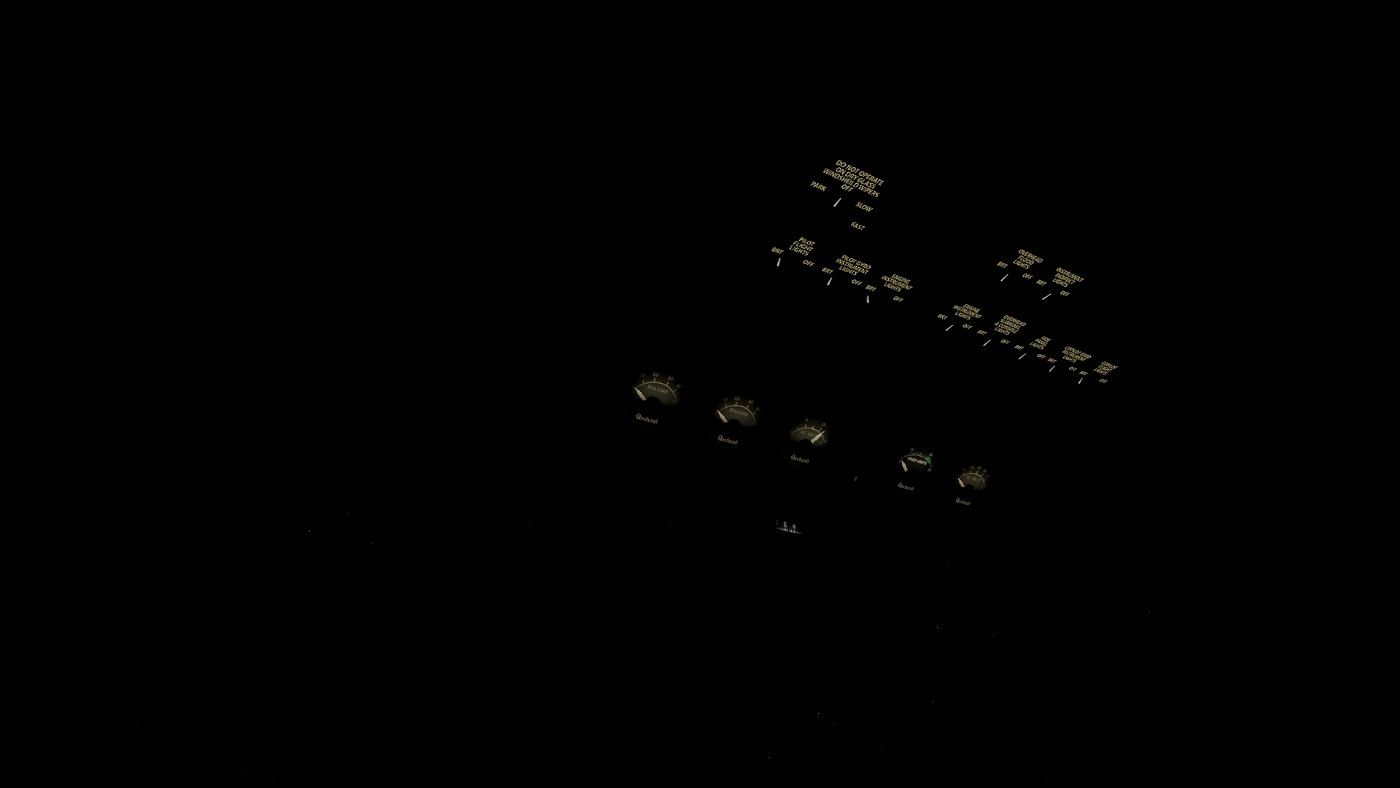
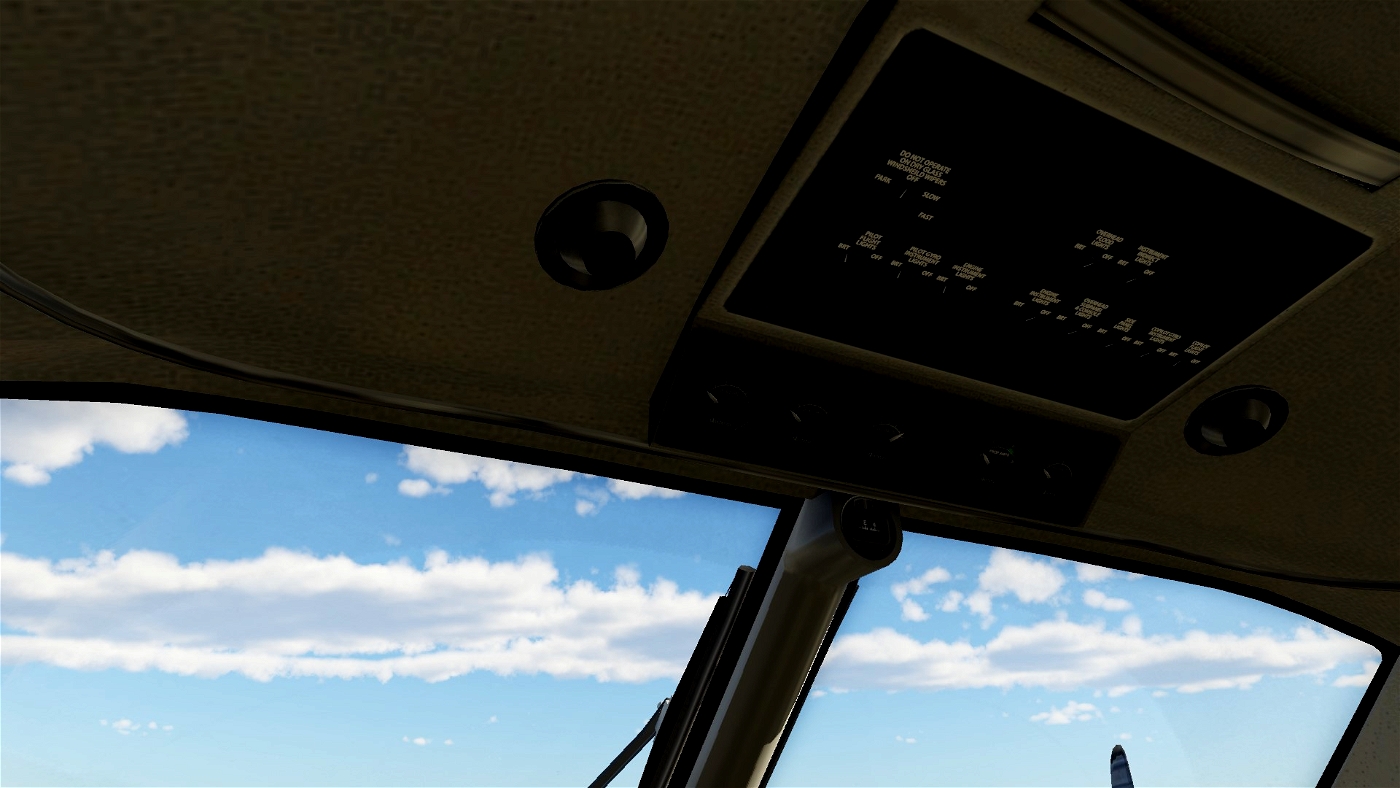
- *C90B_interior folder - Overhead panel text clean up and color change
How to install:
Unzip Livery folder of your choosing.
Then move folders directly into the liveries folder of Beechcraft King Air C90B folder.
How to install cockpit panel:
Unzip 'Cockpits_objects' folder.
- Back up then open to show contents of King Air Beechcraft C90B
- objects folder. Replace the following folders:
- C90B_cockpit folder - *Replace this folder with your downloaded 'C90B_cockpit' folder.
- C90B_exterior folder
- C90B_instruments folder
- C90B_interior folder - *Replace this folder with your downloaded 'C90B_interior' folder.
- Particles
- objects folder. Replace the following folders:
If you enjoy these submissions. Donations will be greatly appreciated!
https://paypal.me/planemental?country.x=BS&locale.x=en_US
PlaneMental™
Easy

Be the first to comment.