











 |
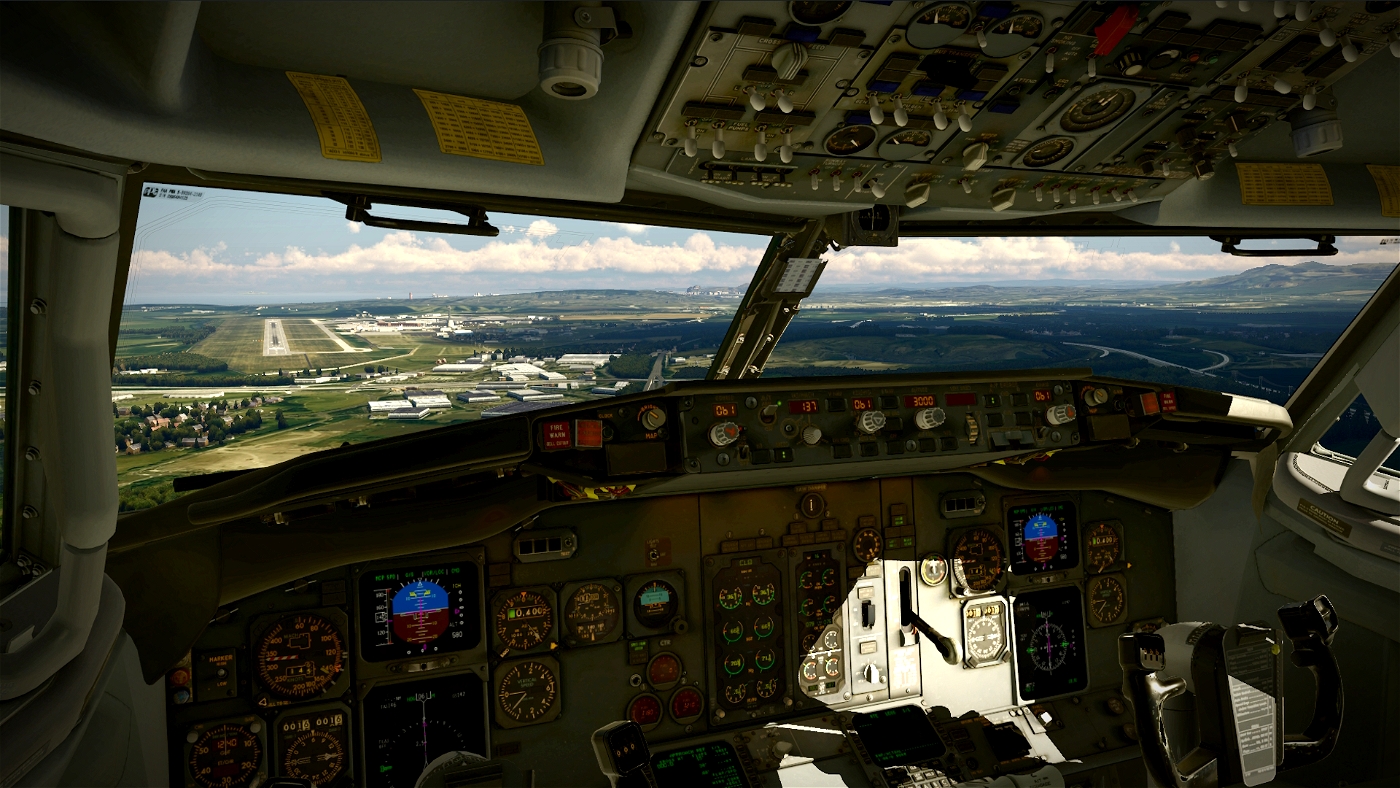
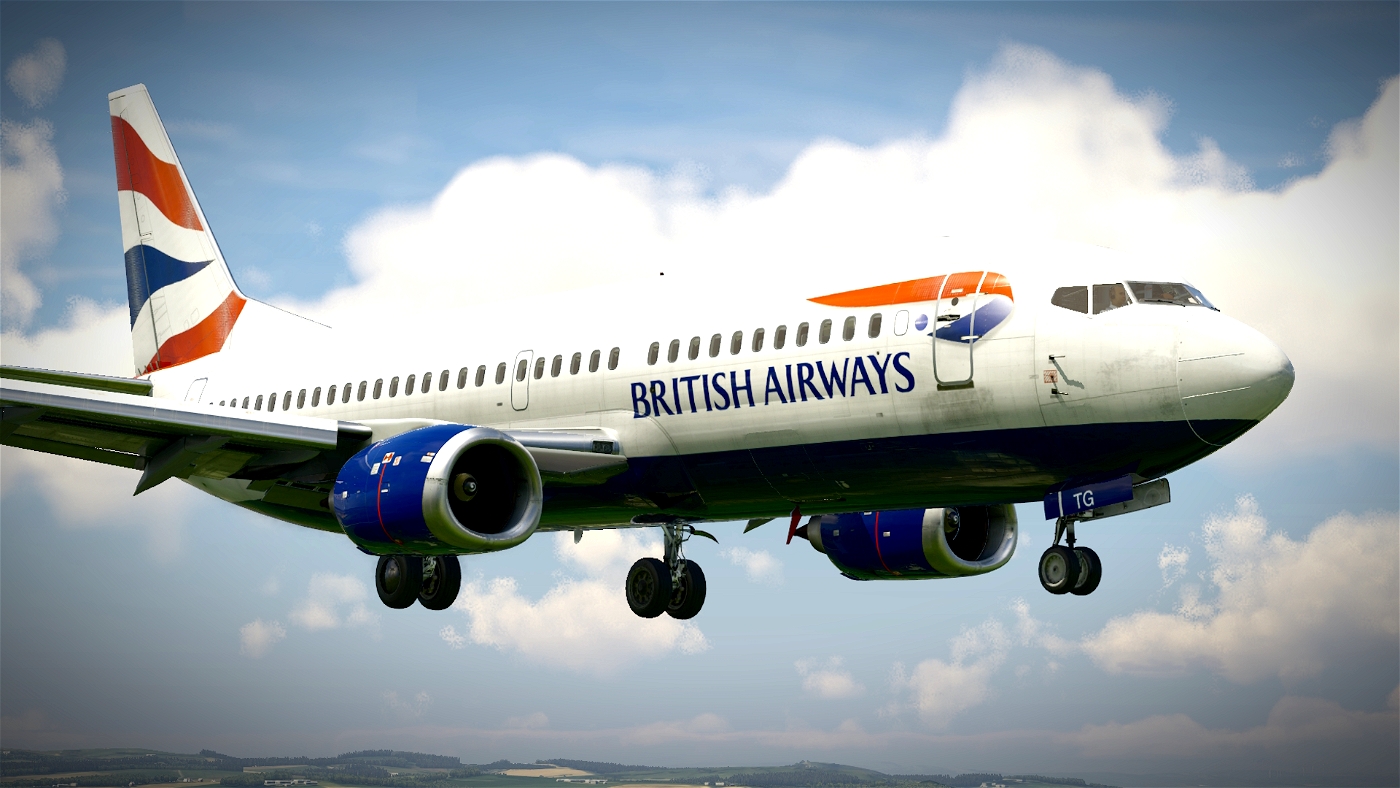
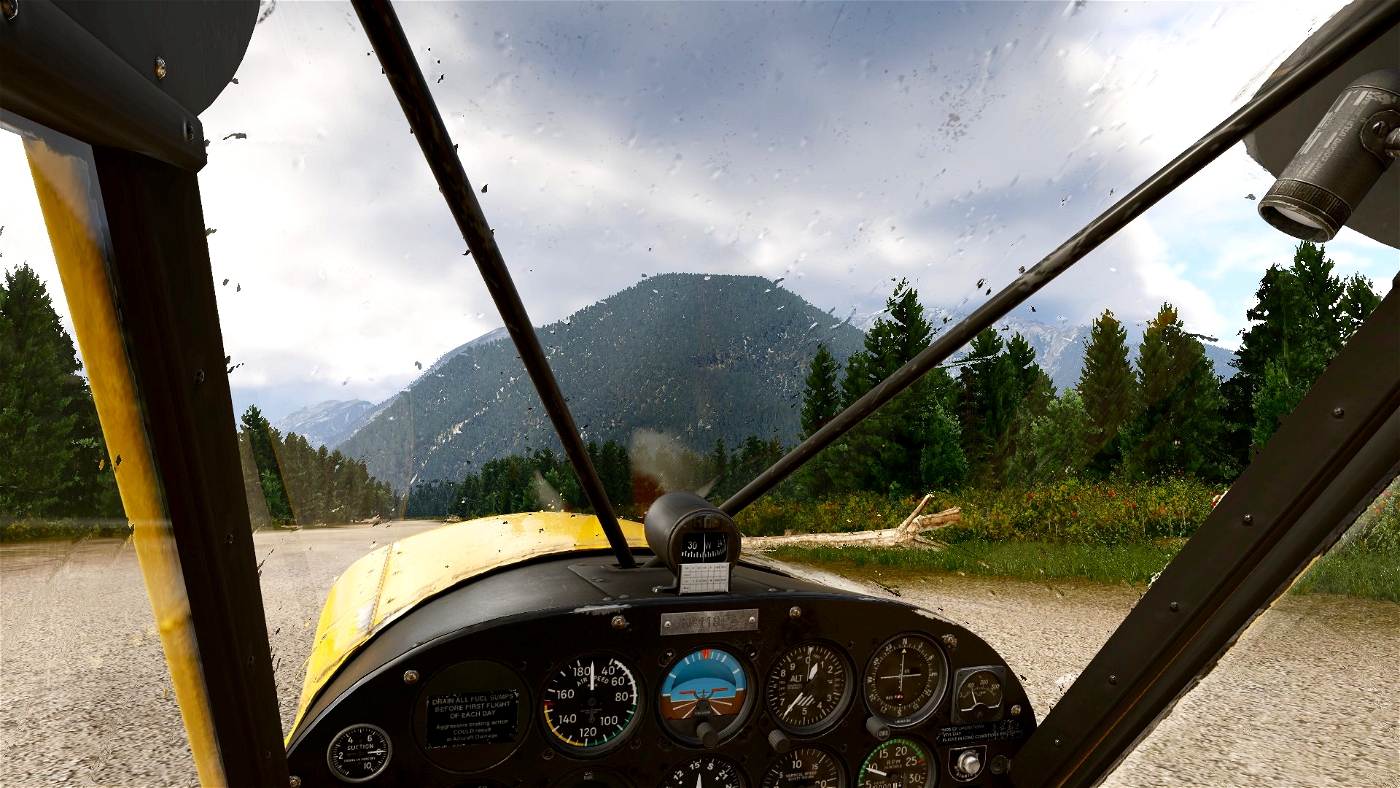
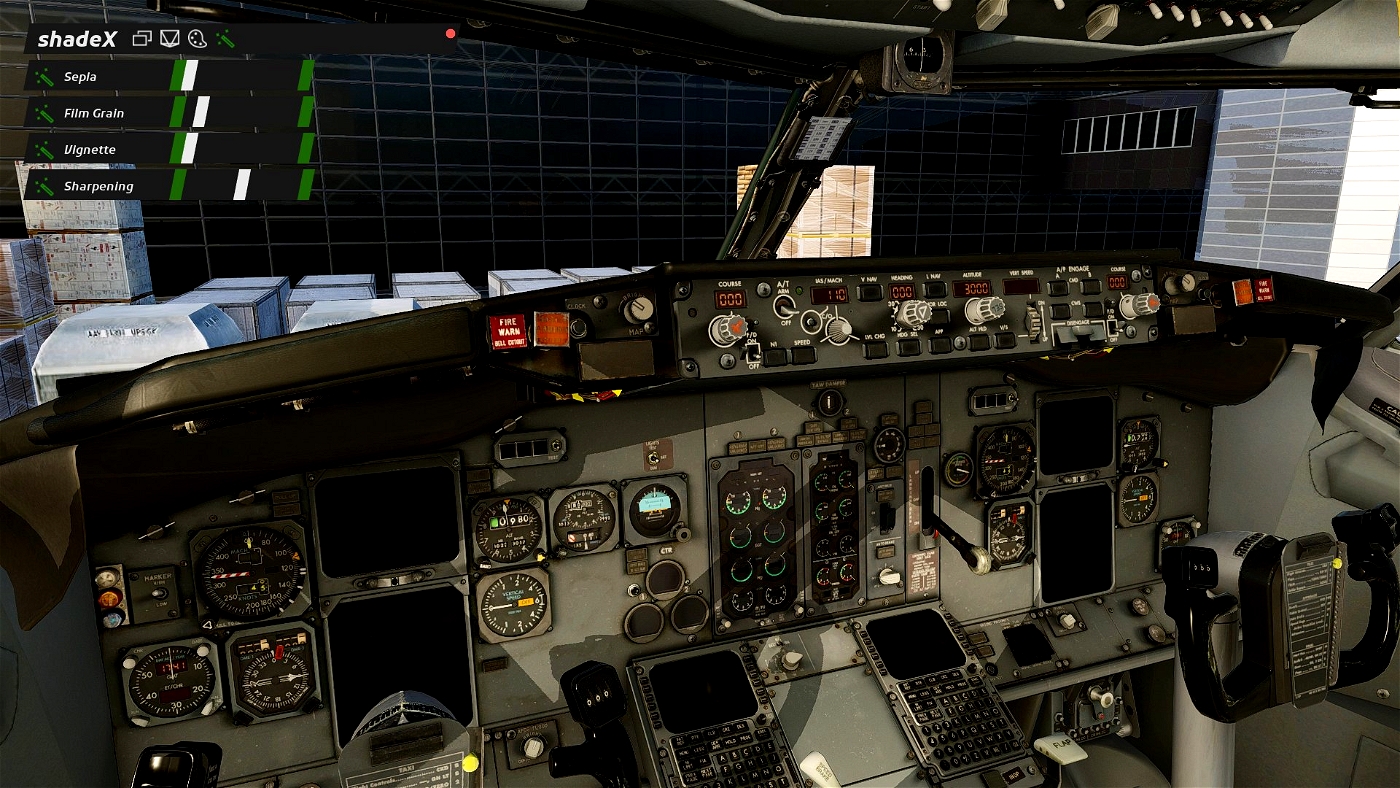
| An upload of my ShadeX profile, for X-Plane 12.
Unzip the file and then simply copy across the profile to (X-Plane 12\Output\preferences\shadeX\presets). This profile has been designed around maximum graphics settings within the sim but, should work pretty well with X-Plane 12 generally. Make sure to select the preset from the ShadeX menu, once loaded into the sim.
PLEASE NOTE: This profile is the best compromise I could find in terms of settings - you may still need to tweak certain ShadeX values, depending on your sim's time of day, weather conditions etc.
Enjoy!

Xoelpilot747
why is shadex not working on my x plane 12
kelvinzzz
Really love it. Thank you so much
Intotheblue 3 month(s) ago
You're most welcome, Kelvin! I'm really glad the profile is working well for you. Cheers : )