









X-Plane12 Better XP Reshade Preset

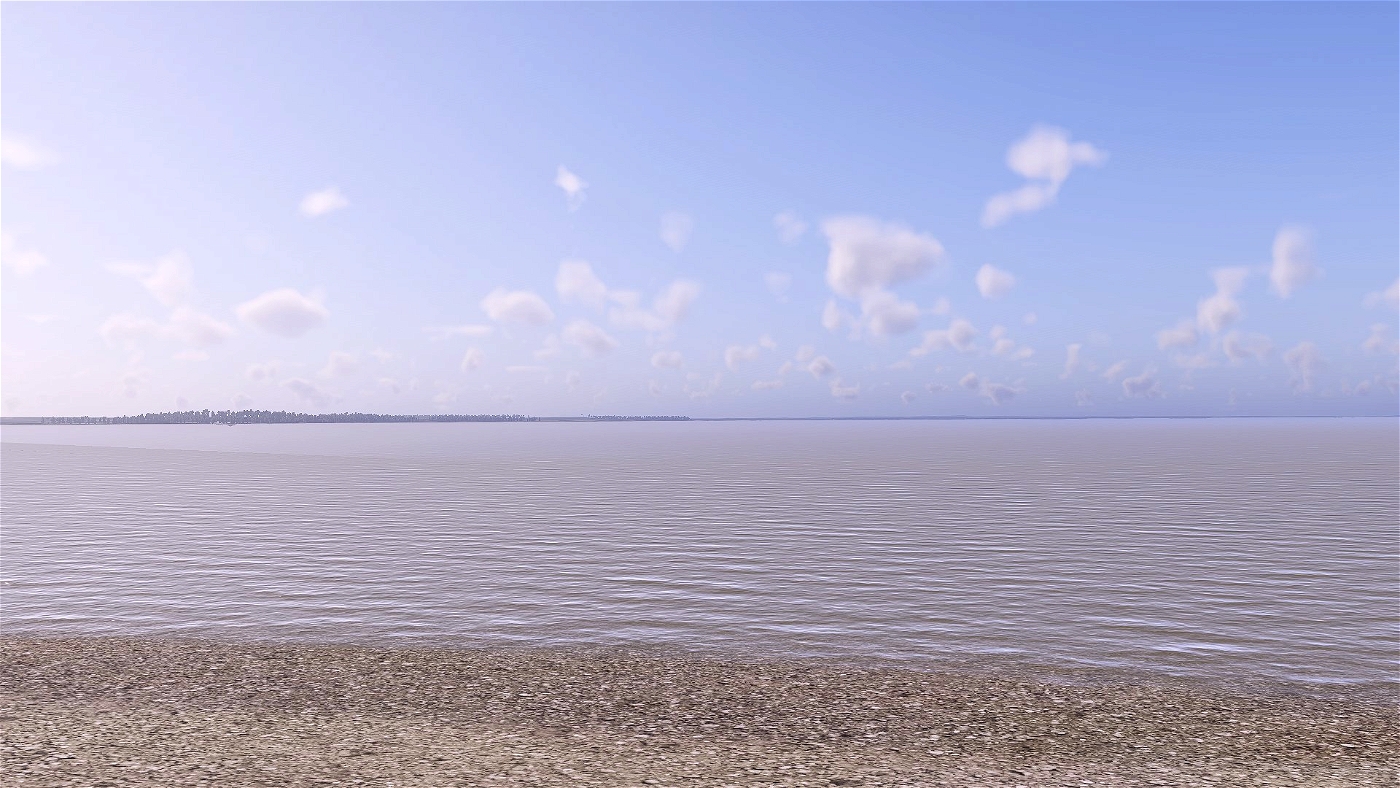
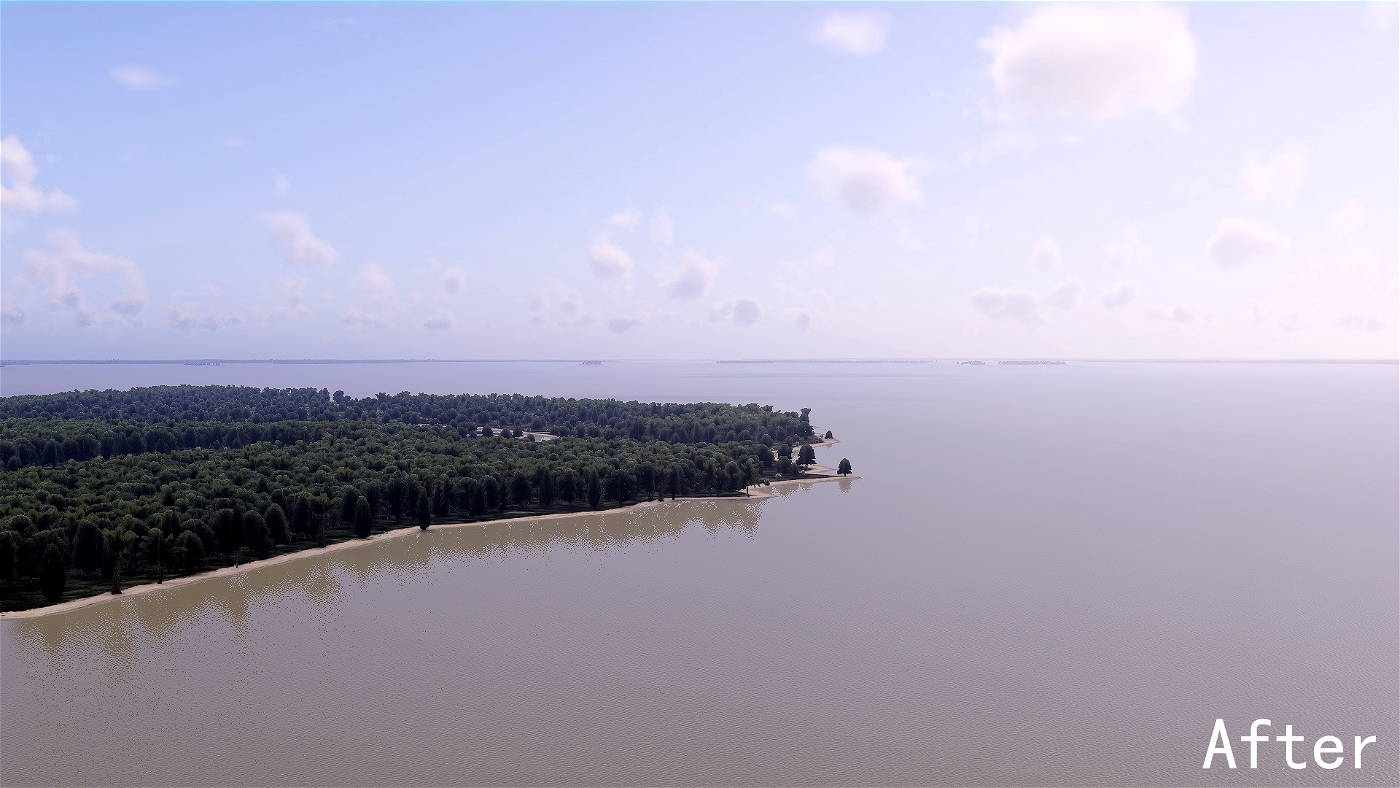
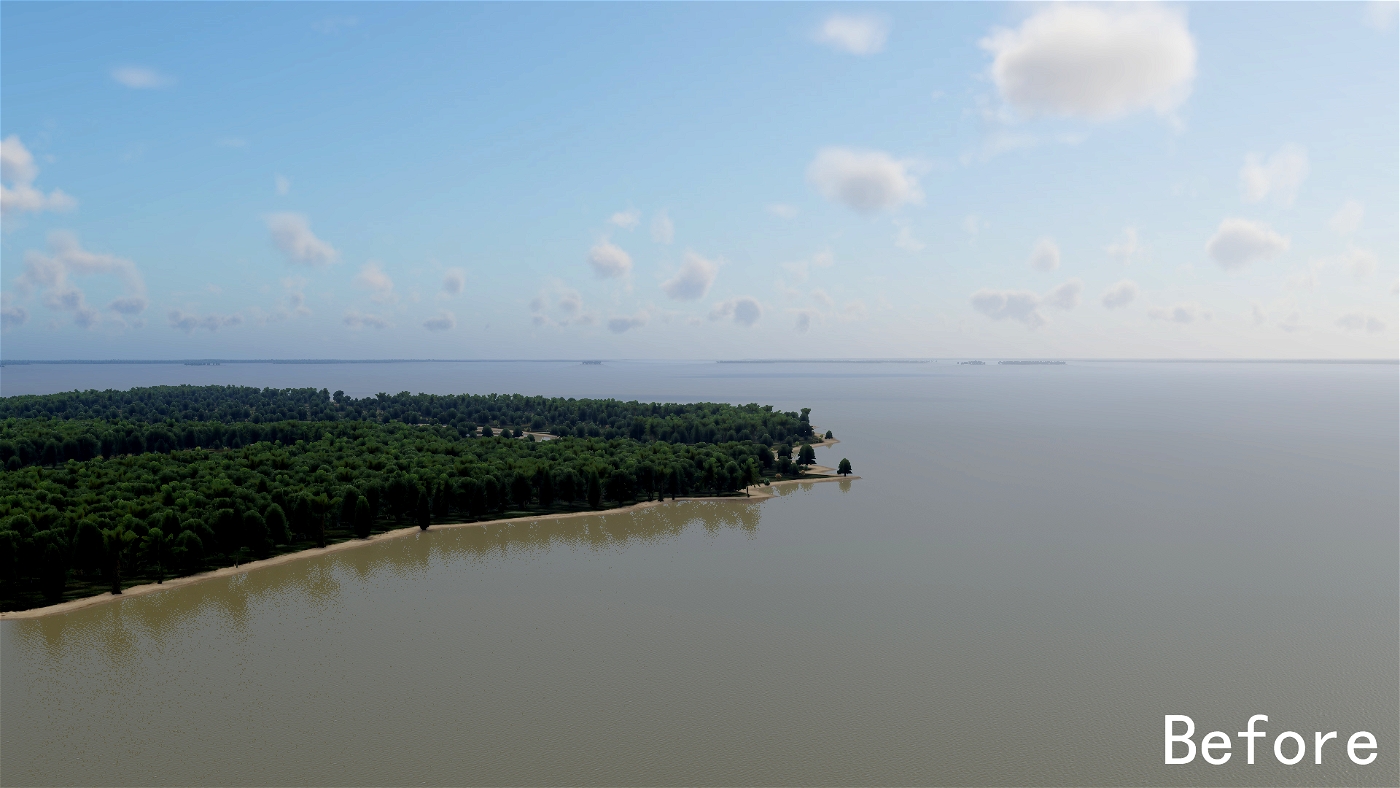
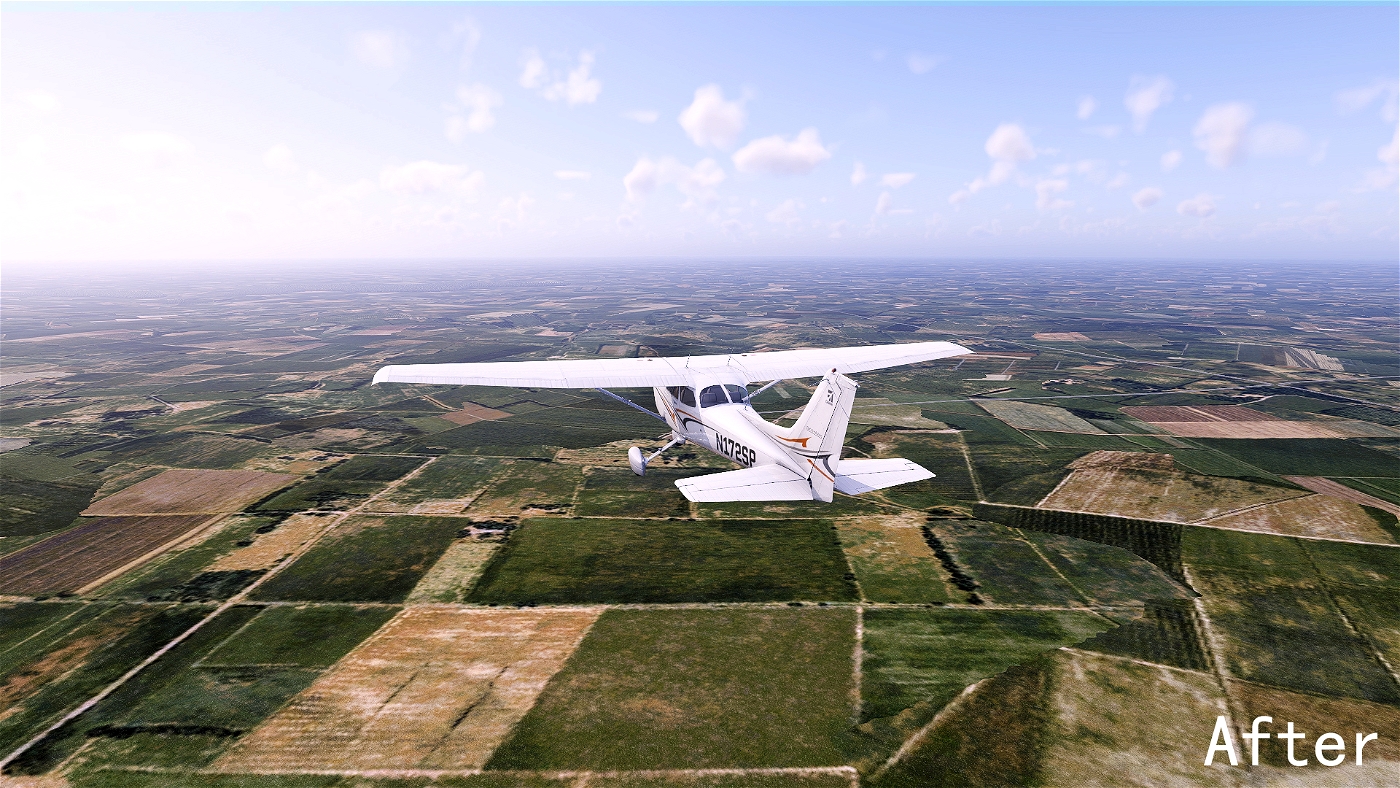
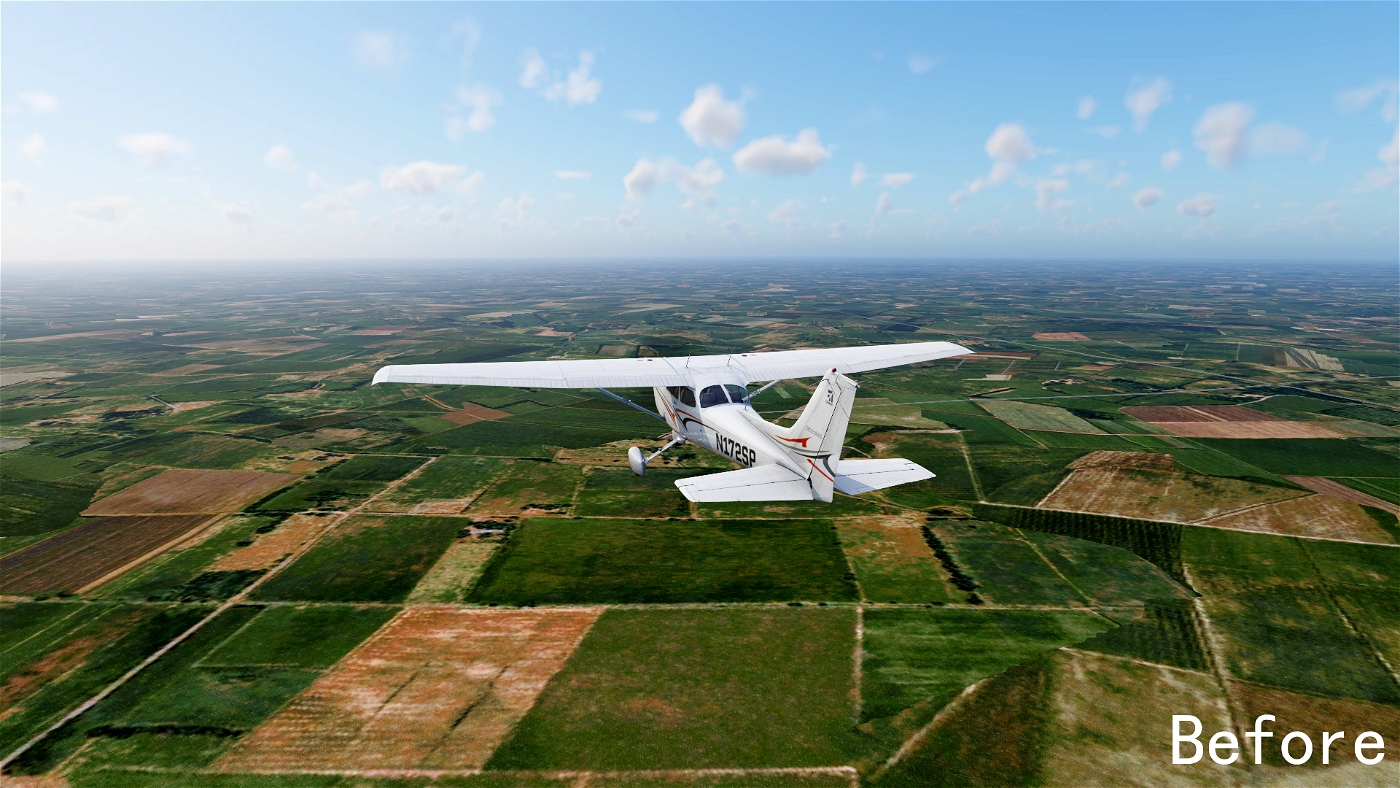
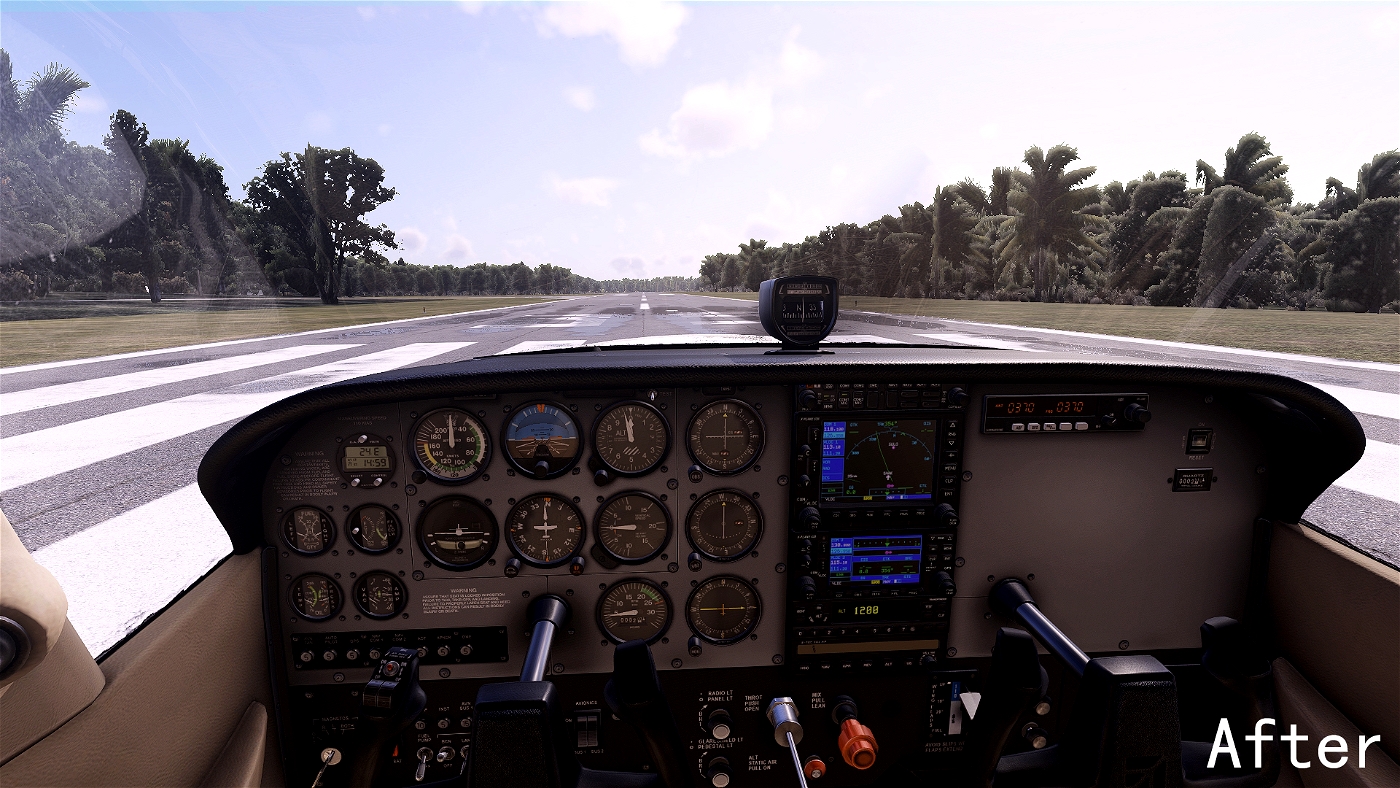
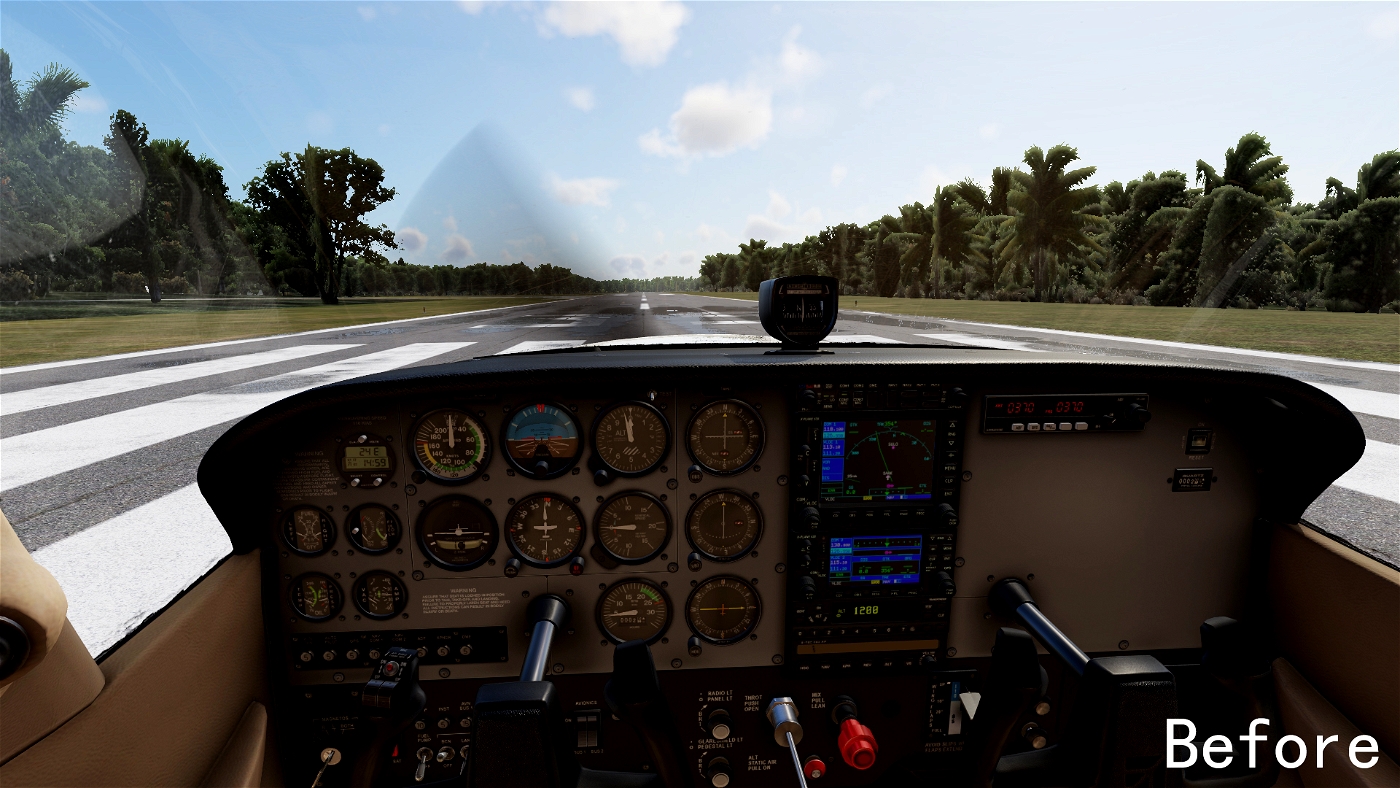
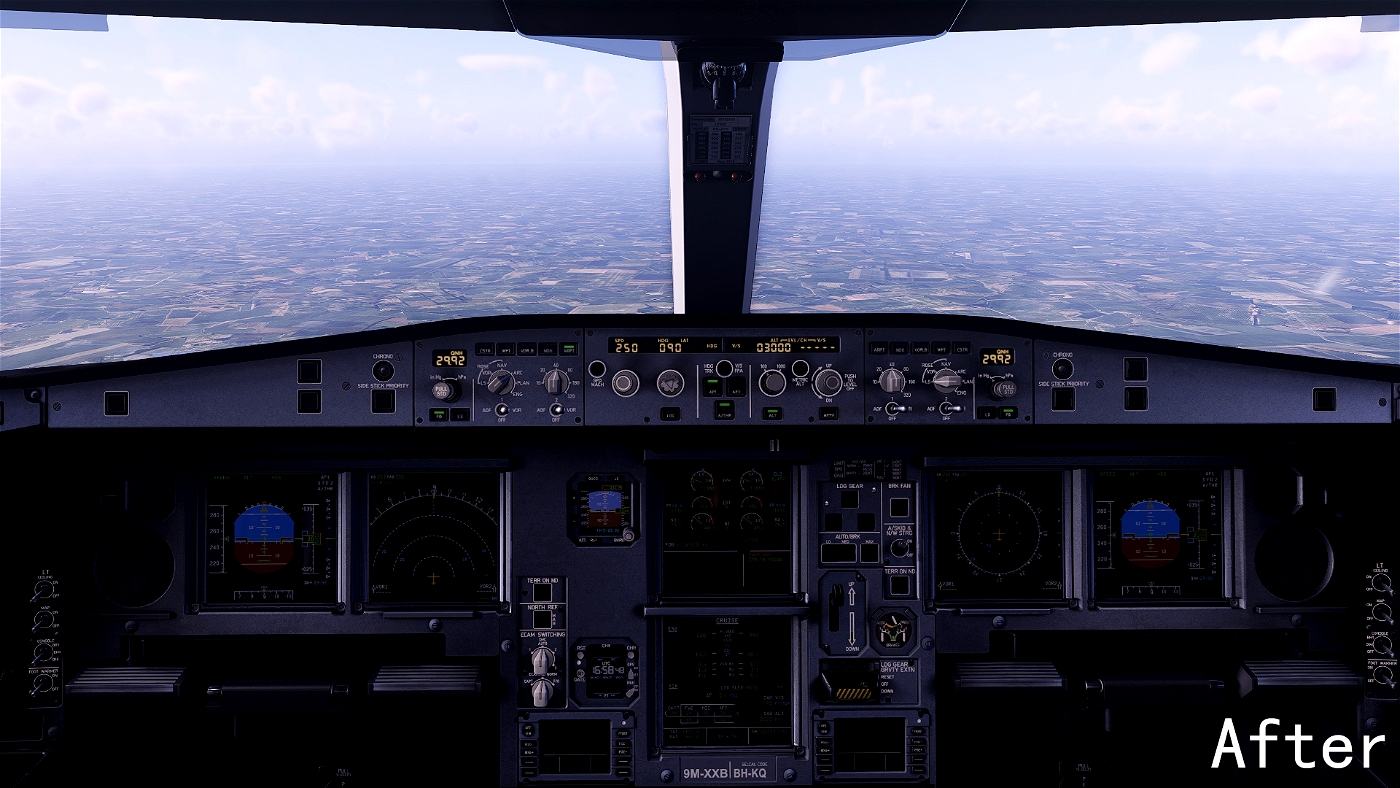
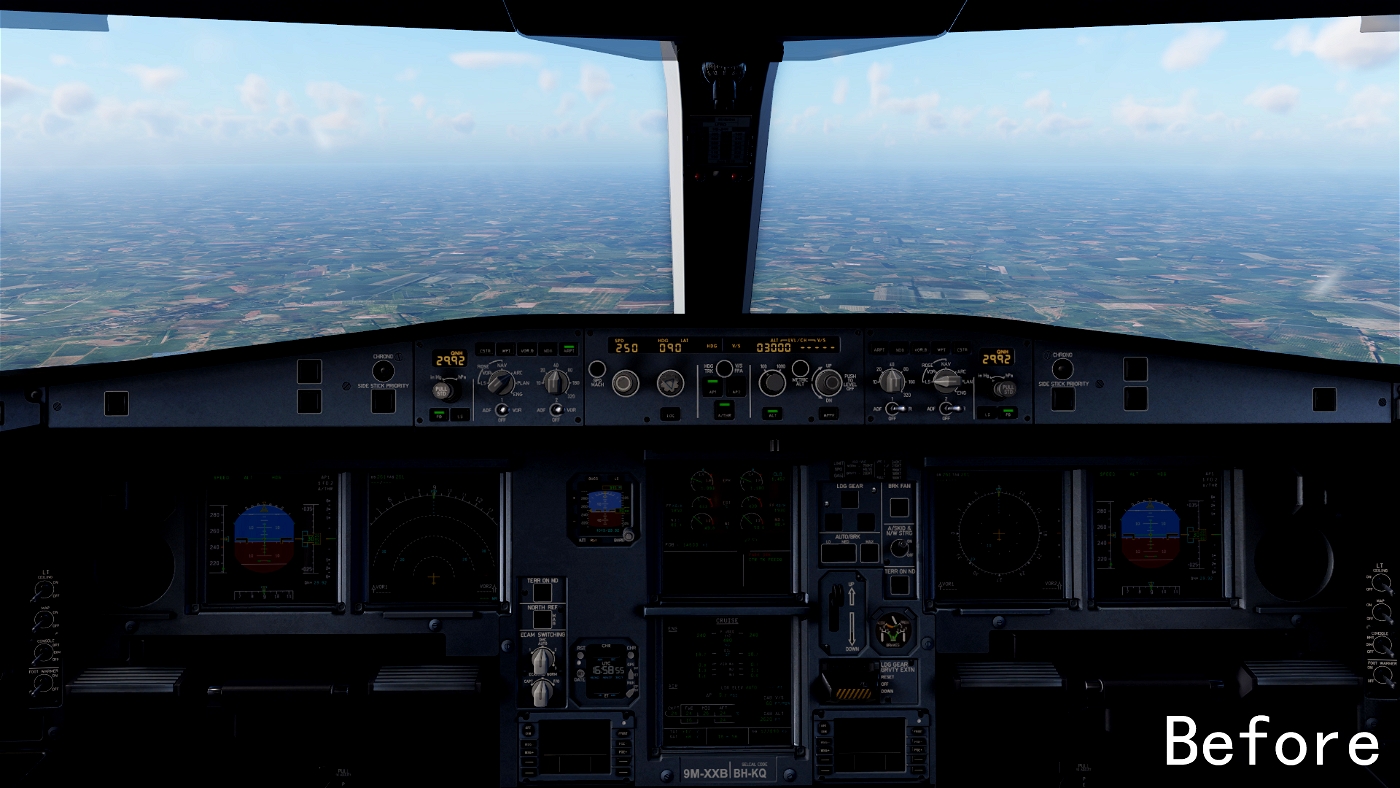
The X-Plane 12 Better XP Reshade Preset enhances the visual quality of the simulator by utilizing Reshade technology. Users can refer to a helpful video guide for installation steps. After installing Reshade, the blu_fx folder must be placed in the X-Plane 12Resourcesplugins directory. This add-on invites feedback for ongoing improvements.

0.0 / 5
1,947 downloads
Screenshot 1

Description

The installation of Reshade can be viewed here: https://www.youtube.com/watch?v=VGMy8KIcB_c
Reshade安装视频可以在这里查看:https://www.youtube.com/watch?v=VGMy8KIcB_c
 
After the installation of Reshade is completed,you need to put the blu_fx folder in X-Plane 12\Resources\plugins.
Reshade安装完成后,你需要将blu_fx文件夹放到X-Plane 12\Resources\plugins文件夹中。


This is my first post. If you have a better opinion, please put it forward to me in the comments area.

这是我的第一个帖子。如果你有更好的意见,请在评论区中向我提出来。

Changelog

  • v1.1 17. Dec 2022
    No changelog details provided.

Comments

Add Your Review
User avatar
StefanKleist 29. Nov 2023

Can you go back to the standard X-Plane settings?

User avatar
azl4102 26. Mar 2023

等更新

Download

Version: 1.1
Size: 53.03 MB
Uploaded: 17. Dec 2022

Author

Starry_Yui

Joined Dec 2021

Contributors

No contributors listed.

Requirements

  • X-Plane 12 or later

Information

Release Date 15. Dec 2022
Downloads 1,947
Rating No ratings yet