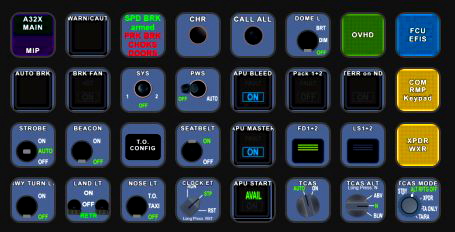
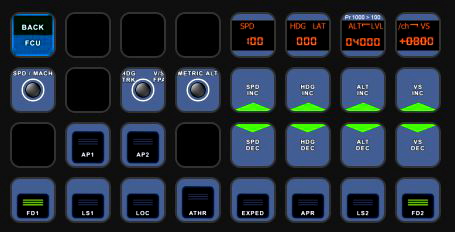
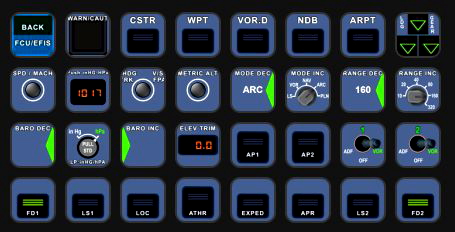
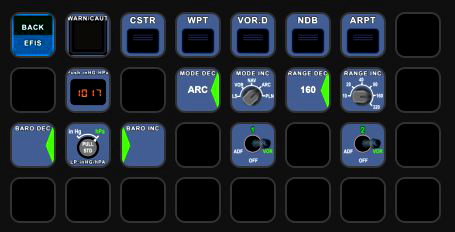
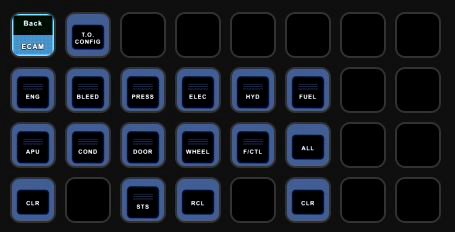
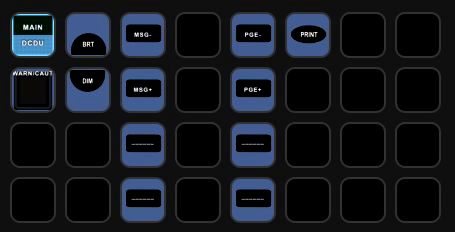
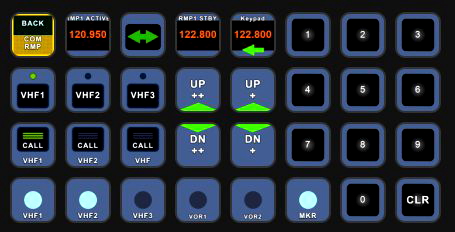
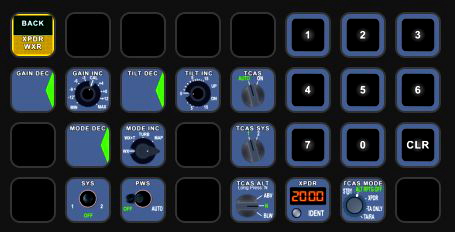
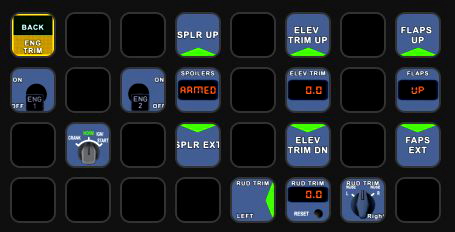
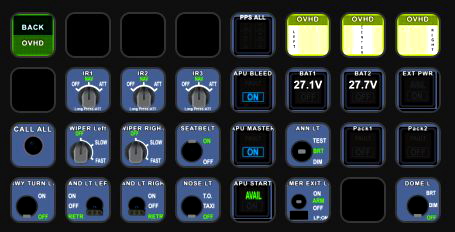
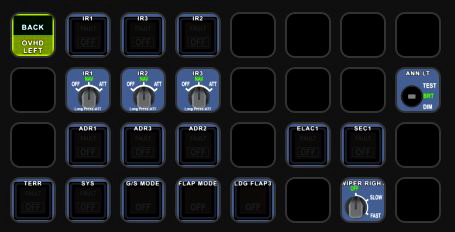
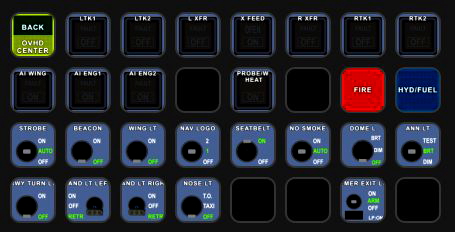
StreamDeck Profile for PilotsDeck / ToLiSS A320NEO
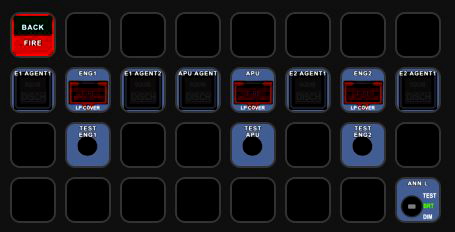
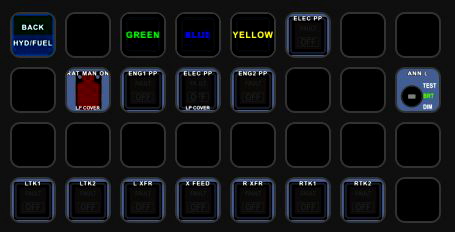
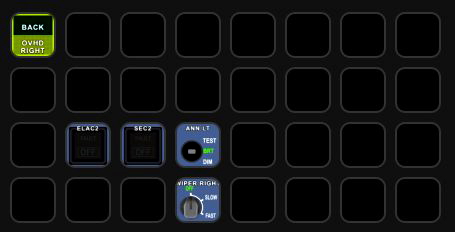
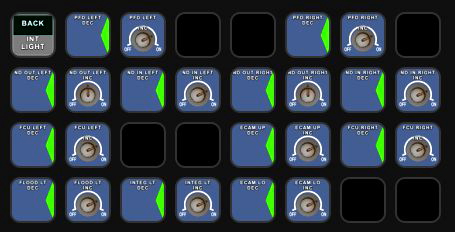
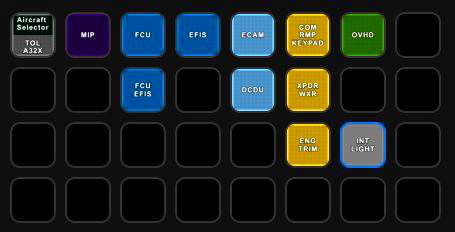
Custom Streamdeck profile for Toliss A320Neo, for PilotsDeck plugin.
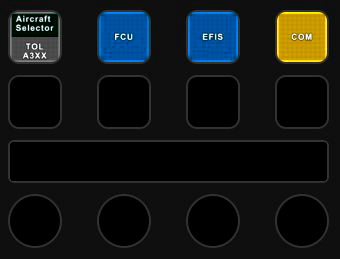
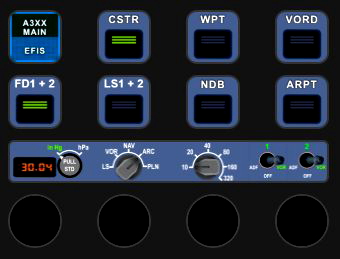
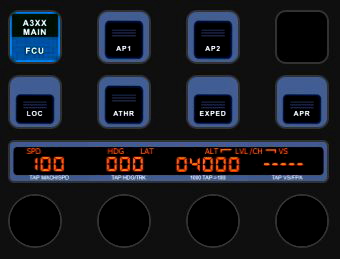
Profile includes controls for various cockpit areas. User requires StreamDeck XL and or SD+
Description:
StreamDeck/PilotsDeck Profile for Toliss A320NEO (I'm guessing it works for the other members of the Toliss A320 family as well.)
Please read the Readme.pdf file included in the download.
The profiles are designed for
Streamdeck with PilotsDeck
SD XL=> TO A32X XL
SD + => TO A3XX +
Please read the enclosed readme.pdf for further information
Copyright
The files are for personal, private use only.
You are not permitted to publicly upload the files, images, or icons without my permission.
My permission must be obtained for each individual project.
They may not be used for commercial purposes.
They may not be used to create StreamDeck profiles and request donations.
Prerequisite:
You need to install
PilotsDeck Plugin latest
FlyWithLuaNG latest
the fonts: "Quartz-MS" google the name or take the link
Installation:
Alternative 1
Install the package (file with the ending .ppp) with the Profile Manager app (located in the Plugin Directory, at the bottom right of the taskbar)
Alternative 2
a.)Import the profiles into Elgato StramDeck:
TO A32X XL.streamDeckProfile
TO A3XX +.streamDeckProfile
(In the event of updates , replace these two files with the newer ones.)
b.)Place the 2 folders with the images:
TO_A32X-+
TO_A32X-XL
in the folder
C:\Users\Your Name\AppData\Roaming\Elgato\StreamDeck\
Plugins\com.extension.pilotsdeck.sdPlugin\Images
(or wherever that folder is on your computer)
(In the event of updates or when installing the version for the Toliss A330NEO, replace these two files with the newer ones.)
In any case, regardless of whether Alternative 1 or 2 was chosen
Place the 2 files with the scripts:
TOLISS_Pilots_Deck.lua
TOLISS _Pilots_Deck_SPLR_ARM.lua =>(The function and setup of this file are described in the Readme.pdf.)
in the folder :C:\X-Plane 12\Resources\plugins\FlyWithLua \scripts
(or wherever that folder is on your computer)
(In the event of updates or when installing the version for the Toliss A330NEO, replace these two files with the newer ones.)